
Quality control in a call center shapes both customer happiness and regulatory compliance. A stray oversight on just one call can ripple through your entire operation. That’s why I’ve seen teams shift from random audits to AI-driven reviews—and uncover issues they never knew existed.
For years, most centers only checked 1–5% of their calls. That meant 95% of interactions flew under the radar—potential compliance slips, lost upsell chances, sentiment misreads, you name it. Today, vendors increasingly push for 100% AI analysis. Automated speech analytics flags everything from regulatory keywords to emotional red flags, giving you a full picture in real time. If you want to dive deeper, check out best practices on CallCriteria.
Below is a quick look at how manual sampling stacks up against AI-driven coverage in key areas:
As you can see, moving to AI-driven checks not only boosts your coverage and accuracy but also slashes the workload on your supervisors.
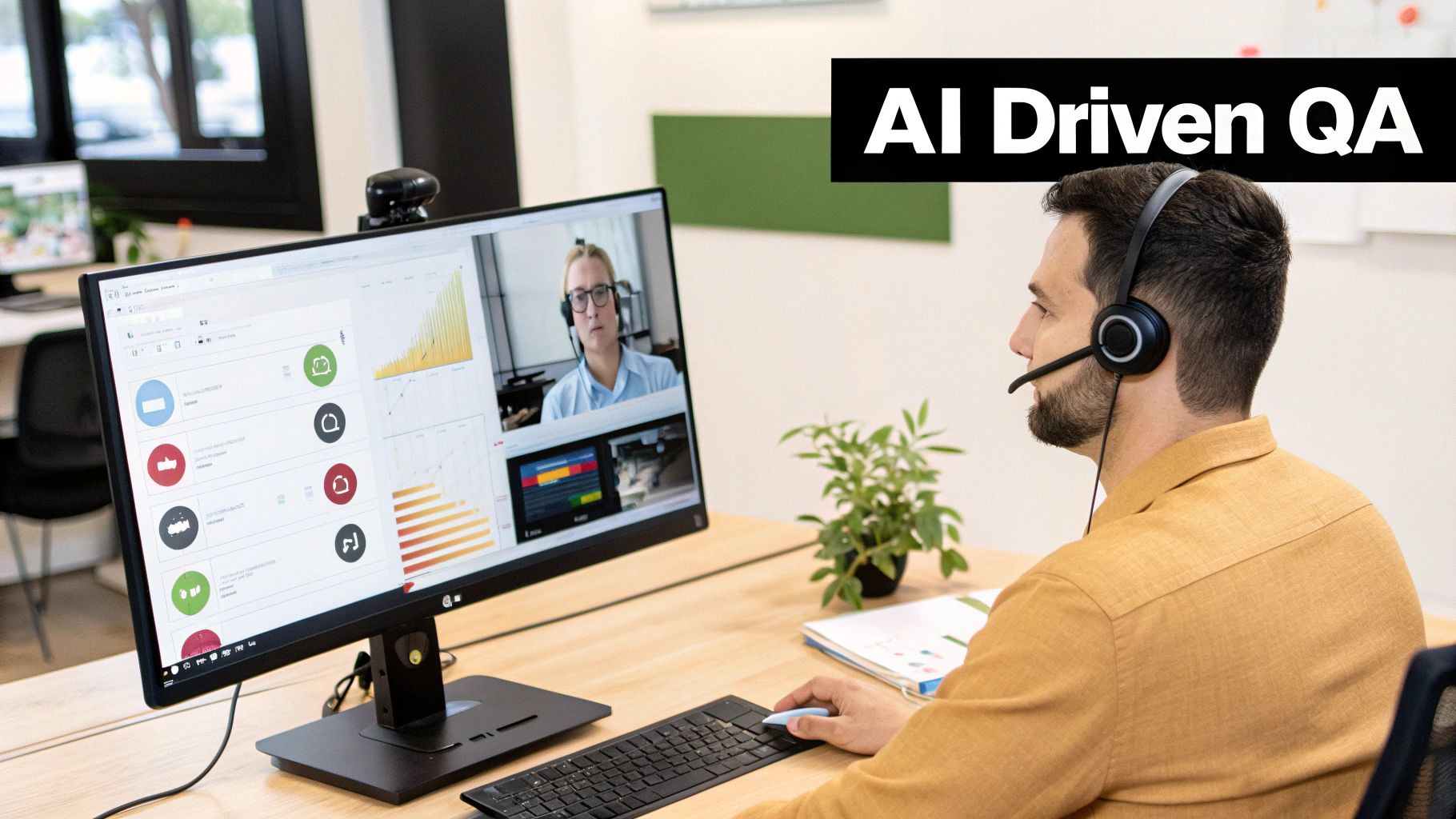
A mid-sized center I worked with swapped out their “every third call” spot checks for an AI dashboard that highlights every high-risk interaction. The result? Faster issue resolution and fewer escalations.
That jump to 100% coverage aligned almost instantly with sharper compliance alerts and a noticeable dip in risk exposure.
Programs that review every single call catch problems 20x more effectively than random checks.
Freeing up supervisors from endless monitoring also means they spend more time coaching—turning data into genuine skill-building.
I once saw an agency miss a vital compliance breach because it slipped past their 5% audit. After rolling out AI speech analytics across all calls, they flagged the problem within hours and launched targeted training.
By the end of the next quarter, compliance rates jumped 30%.
Smaller outfits don’t need a giant budget to start. You can focus AI spot checks on high-risk keywords—and grow from there until you hit full coverage.
Picking the right path comes down to your resources, compliance stakes, and growth targets. Bring your team into the conversation before overhauling workflows.
Aligning your quality-control foundation with both customer expectations and regulatory demands sets the stage for consistent excellence.
Any strong quality assurance effort starts with goals that tie directly back to your business outcomes. Picking the right KPIs—like First Call Resolution, Customer Satisfaction (CSAT), Average Handle Time and Compliance Rate—points your focus where it matters most.
For instance, driving up FCR can slash repeat contacts, while lifting CSAT builds customer loyalty.
Common QA metrics include:
Benchmarks give you a reference point, but don’t let them feel out of reach. Most contact centers hover around 70–79% FCR; breaking past 80% puts you in the elite 5%. Similarly, a CSAT in the mid-70s is common—only top-tier teams push beyond 85%.
To explore deeper industry data, check out the Plivo 2025 Contact Center Benchmarks report.
Before you roll out any new targets, here’s a quick side-by-side look at where most teams land versus world-class performance:
Let’s map out the typical figures versus world-class targets for our core KPIs.
These benchmarks give your team a clear yardstick—and a ladder to climb toward top-tier performance.
I once partnered with a support group stuck at 75% CSAT. By zeroing in on empathy during call openings and proactively flagging high-abandonment calls, we nudged their score up to 85% in three months. Our playbook looked like this:
That focused approach moved the needle fast—proving that clear objectives and targeted coaching pay off.
You can’t improve what you don’t measure in real time. A dynamic dashboard that ingests AI-driven call recordings, webhooks and analytics gives you instant visibility. Set alerts to trigger coaching workflows the moment FCR or CSAT dips below your threshold.
“Clear objectives and visible KPIs keep QA efforts aligned with growth targets.”
Best practices for KPI monitoring:
Use these guidelines to set up KPI tracking:
Tip: When agents help shape KPI targets from the outset, their ownership and motivation skyrocket.
Agents who understand where they stand against clear KPIs improve 30% faster than average.
Integrate these objectives into My AI Front Desk’s analytics dashboard to automate tracking and coaching. Remember, tying KPI reviews to customer feedback loops ensures you capture the real sentiment behind the numbers.
Sampling best practices coming next
Every call center thrives on finding the right balance between depth and breadth in quality reviews. A well-tuned sampling plan captures routine performance while flagging critical interactions before they escalate. In my experience, combining random checks with targeted triggers uncovers both typical patterns and high-risk moments.
Including calls from busy periods and unusual scenarios ensures you’re never missing the conversations that really matter. That way, you’ll see how agents perform when the pressure is on or when a customer drops an unexpected request.
Small teams often find it practical to check every third call, whereas larger operations might aim for 15–20% random sampling complemented by focused audits.
Switching to this hybrid approach reduces blind spots without overwhelming your QA staff.
A scorecard weighted around your top priorities helps reviewers zero in on what moves the needle. For example, if greeting and rapport set the tone for customer delight, you might allocate 30% to first impressions. Meanwhile, compliance could sit at 20% when regulations leave no room for error.
Here’s an infographic that visualizes key QA metrics and process flow:
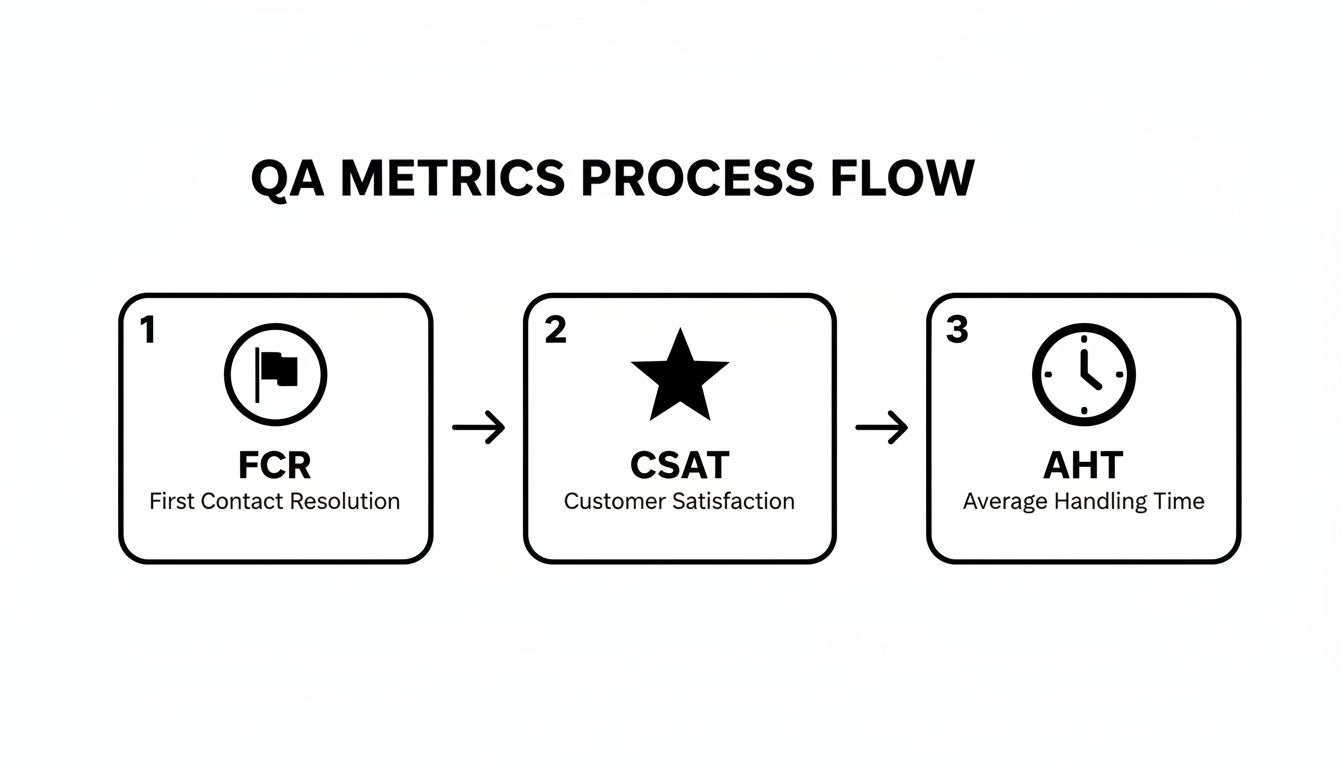
As you’ll notice, blending FCR, CSAT, and AHT within one seamless flow reveals exactly where coaching time is best spent.
When you assign specific actions to each rubric category, you turn vague feedback into concrete next steps. For instance, slot script adherence under compliance and reserve tone-of-voice notes for empathy.
A precise rubric transforms subjective impressions into clear, actionable feedback.
Integrate your QA form directly into your dashboard for real-time visibility. Pre-fill agent details and call IDs, and link snippets of the recording for instant reference.
This table shows how weights add up to 100%, aligning each category with your broader objectives. Conduct regular calibration sessions to keep scoring uniform across reviewers. Agents appreciate seeing exactly how their performance is measured.
Over time, tweak your sampling rates based on error trends. If compliance issues spike in chat interactions, boost those samples by 10% over a fortnight. This ongoing analysis highlights training gaps before customer satisfaction takes a hit.
Use this framework as your blueprint for a quality control program that’s both practical and scalable. Continuous refinement will lift agent performance—and customer experience—over the long haul.
Automation analytics have quietly changed how we monitor call center quality. Instead of waiting days for audit results, real-time tools parse language, sentiment and compliance as calls unfold.
No more random sampling. Supervisors gain instant context to coach effectively.
I once worked with a midsize support team that fed webhook alerts directly into their CRM. Every time the system flagged a call, Salesforce automatically generated a follow-up task.
Result? No high-risk exchange ever slipped through the cracks. Supervisors swooped in within minutes whenever sentiment dipped or compliance rules were breached.

That dashboard view makes trends obvious. You’ll spot compliance breaches spiking around lunch rush, which is your signal to refocus coaching.
When QA tasks flow automatically, agents spend less time writing transcripts. In one example, AI-generated summaries cut documentation time by 30%, freeing up the team to handle more calls without sacrificing quality.
AI-enabled QA and coaching can reduce per-call handling costs by up to 19% and cut after-call work time by as much as 35% through automated summarization and targeted feedback (Learn more about these findings on AmplifAI).
Putting real numbers behind your proposal requires three simple calculations:
This approach turns abstract efficiency gains into clear dollar savings. As supervisors trust alerts more, they invest coaching hours where they’ll move the needle the most.
Your dashboard becomes a command center for spotting weak spots.
“Showing dollar savings in a dashboard seals the case for extra budget,” says one CX manager.
Even small teams can adopt these practices using off-the-shelf solutions. My AI Front Desk hands you post-call webhooks and dashboard integrations right out of the box.
Data alone isn’t enough. You need to turn insights into action.
Pull in call recordings and sentiment charts for context. Blend hard metrics with qualitative notes, so every coaching session feels grounded in real calls.
Don’t overcomplicate the rollout. Map your existing QA flow first to spot manual bottlenecks.
Then pilot features like sentiment analysis and call summarization with a small squad. Use early results to refine your alert settings and sample rate.
Review pilot data weekly. Once you’ve proven the value, phase in automation across teams. Keep tracking results. Continuous monitoring not only cements your wins but often uncovers new coaching opportunities.

A solid coaching workflow is the secret sauce for driving continuous improvement among call center agents. When feedback arrives in real time, raw QA data turns into actionable habits. And by automating alerts, no performance slip ever goes unnoticed.
In one midsize operation I supported, we linked My AI Front Desk webhooks to Slack and the CRM. Suddenly, supervisors knew about flagged calls within seconds—and response times fell by 50%.
To set this up, you can:
As soon as an alert pops up, the system auto-generates a calendar invite with the specific call excerpt. That way, meetings stay under 15 minutes and laser-focused on improvement.
One team I know committed to follow-ups within 24 hours of a flagged call. Agents said they felt more supported than scrutinized—and performance gaps shrank by half in just two quarters.
“Targeted coaching beats generic feedback every time,” a senior contact center manager once told me.
A shared dashboard becomes your single source of truth for every session. Agents and supervisors can see goals, checkpoints, and results all in one place. Here’s a sample layout:
Practical SMART goals might look like this:
Tie all of this into your My AI Front Desk analytics dashboard for a holistic view. That central snapshot aligns coaching wins with your broader QA objectives.
If you want leadership on board, show them hard numbers every week. Track metrics like:
One agency I partnered with kept an eye on four key indicators and saw a 35% decline in errors after eight weeks. Concrete data like that makes it easy to secure budget for expanding your QA program.
“Seeing metrics climb gives teams a clear win to rally around.”
Don’t forget regular calibration sessions—short, 30-minute meetings where reviewers align on how scorecards should be interpreted. Consistency here means fairer scoring and better insights.
Keep iterating.
Keeping your QA program vibrant means closing feedback loops on a regular cadence. With agile review cycles, agents stay engaged and your processes adapt quickly to whatever comes through the phone.
When your team is small, you need a plug-and-play approach to spot patterns before they snowball. These templates get you up and running in minutes:
By reviewing this at month’s end, you swap guesswork for data-driven next steps—no more relying on gut feel.
I once sat in on a team huddle where six flagged email cases sat on the table. We leaned on the classic five-whys approach, peeling back each layer until it became clear that sign-off checks were slipping through the cracks. From there, the path to targeted fixes was obvious—no live-support downtime required.
Follow this playbook:
This hands-on workshop turns persistent headaches into clear action plans.
Your QA scorecard isn’t set in stone. Short, focused sprints to tweak weights and wording can pay dividends:
A small agency I worked with noticed email follow-up misses spiking after a policy update. They bumped up the sign-off and clarity criteria, tested fresh rubric items—and saw a 20% boost in quality scores within eight weeks.
“Seeing visible progress week after week rallied the team,” explains their support lead.
All of these templates—monthly trends, root-cause sessions and scorecard sprints—live side-by-side on your dashboard. You don’t have to pause live operations to iterate. Continuous visibility keeps everyone aligned on quality control.
When you combine monthly check-ins, workshops and scorecard sprints, small businesses maintain real momentum. And with My AI Front Desk’s built-in forms, every improvement step is right there in front of you—no guesswork, just clear progress.
Handling voice calls, live chat transcripts and email threads in separate tools quickly becomes a juggling act. You need a platform that brings speech analytics, chat transcription and email parsing into one view.
For example, TeamX ties these channels together with adaptive rule engines. When priorities shift, the system reconfigures your review criteria and surfaces flagged interactions right in the CRM—no context lost.
Sampling every interaction isn’t practical, but missing key issues can be costly. Blend random checks during peak hours with risk-based triggers for high-impact calls.
Begin by reviewing 10% of all interactions. Then, each quarter, tweak that rate by ±5% based on error trends and team bandwidth.
Feedback that feels punitive turns agents off. Instead, start by praising their wins, then zero in on growth areas. Invite them to help refine the scorecard and publicly celebrate progress—this builds trust and keeps morale high.
Yes. Combine open-source transcription tools with an affordable SaaS for sentiment tagging or keyword spotting. Many services offer free tiers you can hook into via webhooks for automated spot-checks.
Small teams can boost QA coverage by 50% using free or low-cost analytics and scripts.
Use dynamic sampling windows. Shrink your review period to five-minute intervals during peak volumes. This way, your QA team focuses on the most critical moments without burning out.
Setting up a solid QA process isn’t guesswork. Pick the right tactics, measure their impact and refine as you go—your agents and customers will thank you.
Ready to take your QA to the next level? Give My AI Front Desk a spin for automated insights and smoother workflows: My AI Front Desk
Start your free trial for My AI Front Desk today, it takes minutes to setup!


